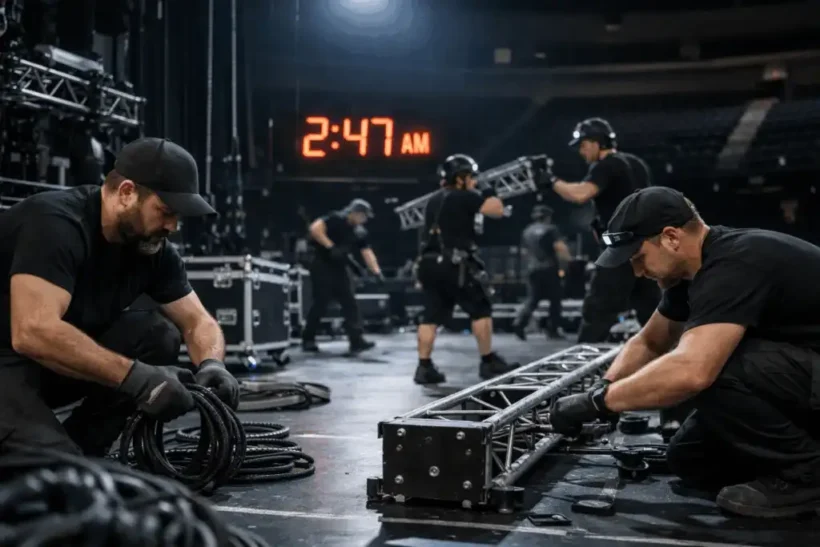
On 25 October 2026, the clocks will be set back by one hour again. Especially in the events industry, where a great deal of work is carried out at night, the switch from daylight saving time to standard time can quickly lead to confusion and, in the worst case, even payroll errors. In this article, we have compiled the five most important points to help prevent this from happening.
1. When exactly do the clocks change?

The time change takes place during the night from Saturday, 24 October, to Sunday, 25 October. At 3:00 a.m., the clock is set back to 2:00 a.m. This means that one hour is repeated.
Practical example: Your employee is scheduled to work from 10:00 p.m. to 6:00 a.m. While this shift lasts eight hours on any other night, it effectively lasts nine hours on this particular night.
2. Automatic or manual adjustment
Modern electronic time-tracking systems generally synchronise the time automatically with external time servers. Nevertheless, it is advisable to check whether the change has been carried out correctly and has not been applied more than once in the system. In CrewBrain, the time change is handled fully automatically.
3. Duplicate times
When the clocks change, timestamps between 2:00 a.m. and 3:00 a.m. occur twice. For this reason, a time such as 2:15 a.m. may appear twice. It is also common to see recorded start and end times of, for example, 10:00 p.m. and 6:00 a.m., while the total is nine hours. At first glance, this may seem incorrect, but it is correct for this particular night. Where possible, it is advisable to take the additional hour into account already when planning the assignment.
4. Manual follow-up work
Especially with older or locally installed systems, it is advisable to check the configuration more closely:
- Is the correct time zone stored?
- Is automatic adjustment for daylight saving time and standard time enabled?
- Are night-shift premiums calculated based on the actual hours worked or on the displayed clock time?
No manual adjustments are required in CrewBrain. The switch between standard time and daylight saving time is handled automatically. The only point that needs to be considered is whether the correct time zone is stored in the account. However, this is generally set directly during registration.
5. Payroll & working time accounts
The switch to standard time can also affect payroll and working time accounts, especially for night or shift work.
- Payroll:
Setting the clocks back can increase the actual hours worked by one hour during the night of the time change. What matters is how this difference is handled within the company. It is essential that it is reflected transparently and clearly in payroll. - Premiums:
Night or Sunday premiums should be based on the actual hours worked. Companies should check whether the basis for calculation is stored correctly and whether the additional working hour is taken into account accordingly. - Working time accounts:
Depending on the system, time balances may be adjusted automatically. Carrying out spot checks after the time change helps identify and correct incorrect entries at an early stage.
In addition, some collective agreements or company agreements include provisions stating that employees must not be disadvantaged by the time change. In such cases, it may be necessary to make time credits or pay adjustments manually.
Conclusion
The time change adds one extra working hour during this night. For event businesses, it can have organisational, payroll-related and employment-law implications. By keeping an eye on shift planning, time tracking, premiums, working time accounts and internal communication, companies can ensure that working time is recorded correctly, employees are paid fairly and legal requirements are met. Careful preparation reduces uncertainty, protects against payroll errors and contributes to smooth day-to-day operations.
Our Special Offer for You: Test now with an extended 45 day trial – no payment method required!
As a thank you to our readers, we are giving you a 50 % longer trial period. This means you can test CrewBrain extensively with all its features for a full 45 days free of charge. Sounds good? Then simply click on the link and register – no payment details needed!
Offer valid until revoked. Not valid for existing accounts. Please make sure that you only register your demo version via this link. If the longer trial period is not automatically assigned to your account within 3 days, simply contact us by e-mail or telephone.


